The Homework Dilemma: When Typed Answers Hide Real Learning
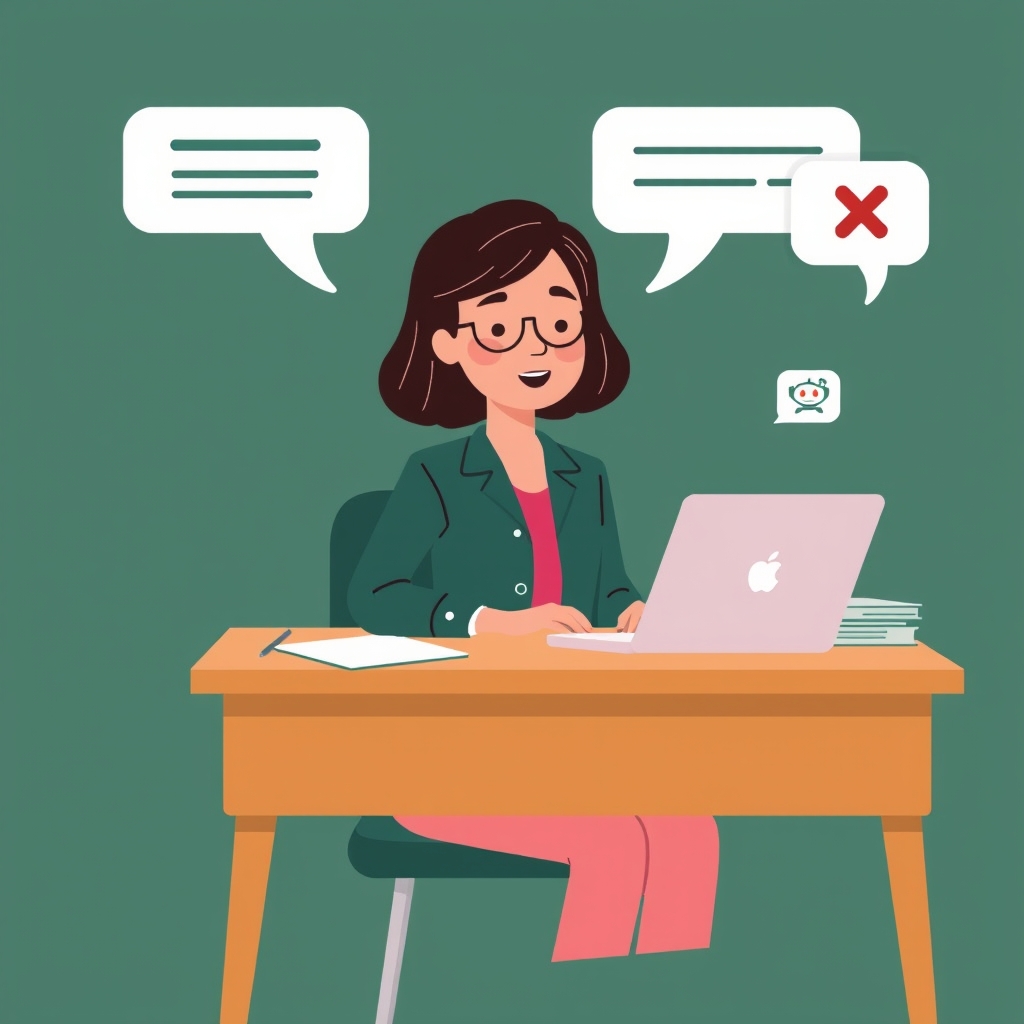
Every teacher has experienced the new classroom dilemma: a student submits an articulate, perfectly phrased paragraph for homework, but when asked a basic follow-up question the next day, they cannot explain what they wrote. With generative AI tools readily available, typed text boxes no longer prove that a student understood the concept.
For centuries, oral examinations (viva voce) were the gold standard for testing genuine mastery. If a student can explain a concept out loud in their own words, they truly understand it. But conducting individual verbal interviews for 120 students across five periods was logistically impossible in a standard 50-minute class period.
Quesly's Voice Viva Voce brings spoken assessments directly into everyday digital homework and tests—without demanding hours of teacher listening time. Here is an in-depth look at how it works, from the student mic setup to the teacher grading drawer.
The Student Workspace: Built to Lower Speaking Anxiety
Speaking into a microphone can make students nervous, especially when English is their second language or when they are learning complex scientific terms. To keep students calm and focused, Quesly built a flexible three-tab viva workspace directly inside the exam interface.
First, students can listen to the teacher's question spoken aloud with adjustable speech rates (0.85x slow, 1.0x standard, or 1.2x brisk). Before pressing record, students can switch to the 'Prep Scratch Notes' tab to jot down bullet points, key vocabulary, or equations.
When ready, students record their answer on the 'Voice Recording' tab, where an animated decibel meter shows real-time mic volume. If a student fumbles their thoughts, they can clear and re-record before submitting. For students in noisy libraries or without working microphones, a 'Typed Viva Mode' tab ensures nobody is left behind.
- Prep scratch notes: Students write quick private bullet points before speaking so they feel confident and organized.
- Adjustable question audio: Lets students slow down spoken prompts to 0.85x for clearer comprehension.
- Live decibel audio waveform: Visual feedback confirms the microphone is actively capturing sound.
- Accessible fallback: One-click toggle to typed mode if a student has no working microphone or a quiet space.
Under the Hood: Word-Level Audio Sync with Soniox
Simply recording audio is not enough—teachers do not have time to sit and passively listen to 100 sixty-second audio files. The real breakthrough in Quesly's viva engine is how speech is transcribed and indexed.
Quesly connects to Soniox's specialized speech recognition API (with automated AirCaps failover). Rather than outputting a flat wall of text, the system captures word-level millisecond timestamps and confidence scores for every single spoken token.
Every transcript is also tagged with a clear origin badge ('soniox', 'aircaps', 'client_speech', or 'typed'). Teachers always know whether an answer was transcribed by the primary speech engine or typed manually as a fallback.
- Millisecond token precision: Records the exact start and end time of every spoken word.
- Dual-engine speech pipeline: Primary Soniox REST API with automated AirCaps failover.
- Transparent origin badges: Shows teachers whether an answer was spoken or typed.
- Zero biometric data: Audio recordings are strictly used for teacher grading and are never used to train external models.
The Teacher Experience: Grade Spoken Answers in 20 Seconds
When a teacher opens a student's submission in the grading drawer, the oral defense card displays both the verbatim transcript and an audio waveform player. But the teacher does not have to listen from the beginning.
Every word in the transcript is rendered as an interactive timing chip. If a physics teacher wants to verify whether a student correctly explained why sound cannot travel in a vacuum, they simply click on the word '+03.4s vacuum'. The audio player jumps instantly to that exact millisecond.
Combined with adjustable audio playback speeds (1.0x, 1.25x, 1.5x), teachers can verify student confidence and spoken fluency in under 20 seconds per question. Jev provides a rubric suggestion alongside the transcript, but the teacher always enters the final mark.
- Click-to-jump word chips: Click any word to hear that exact moment in the student's spoken answer.
- Multi-speed playback: Listen at 1.25x or 1.5x speed to audit answers rapidly.
- Non-destructive save: Preserves the student's audio, verbatim text, and millisecond timestamps.
- Teacher sovereign grading: AI suggests rubric points based on key concepts, but the teacher decides the final mark.
Classroom Benchmarks & Best Practices for Teachers
In pilot classrooms across high school science and introductory college courses, teachers tested oral viva questions on unit reviews and homework sets. The classroom results were immediate and positive.
Soniox speech recognition achieved a 94.8% word accuracy rate on specialized technical terminology (including terms like 'endoplasmic reticulum' and 'photoelectric effect'). Because click-to-seek word chips allow rapid verification, teachers marked a 30-student cohort with oral questions in an average of 42 minutes, down from over 3 hours of manual checking.
For best results in your classroom, start with one or two short spoken questions per assignment—such as asking students to explain 'why' a formula works or summarize a paragraph in their own words. It gives honest students an engaging way to demonstrate mastery and completely eliminates unearned AI copy-pasting.
- 94.8% technical accuracy: Accurate transcription of specialized science and math vocabulary.
- 78% faster grading: Teachers review and grade verbal answers in under a minute per student.
- 98.4% first-time completion: Students successfully recorded and submitted oral answers without technical support.
- Simple rollout tip: Use oral questions for conceptual 'why' prompts rather than long factual recitations.