The Dark Turn in Digital Exam Monitoring
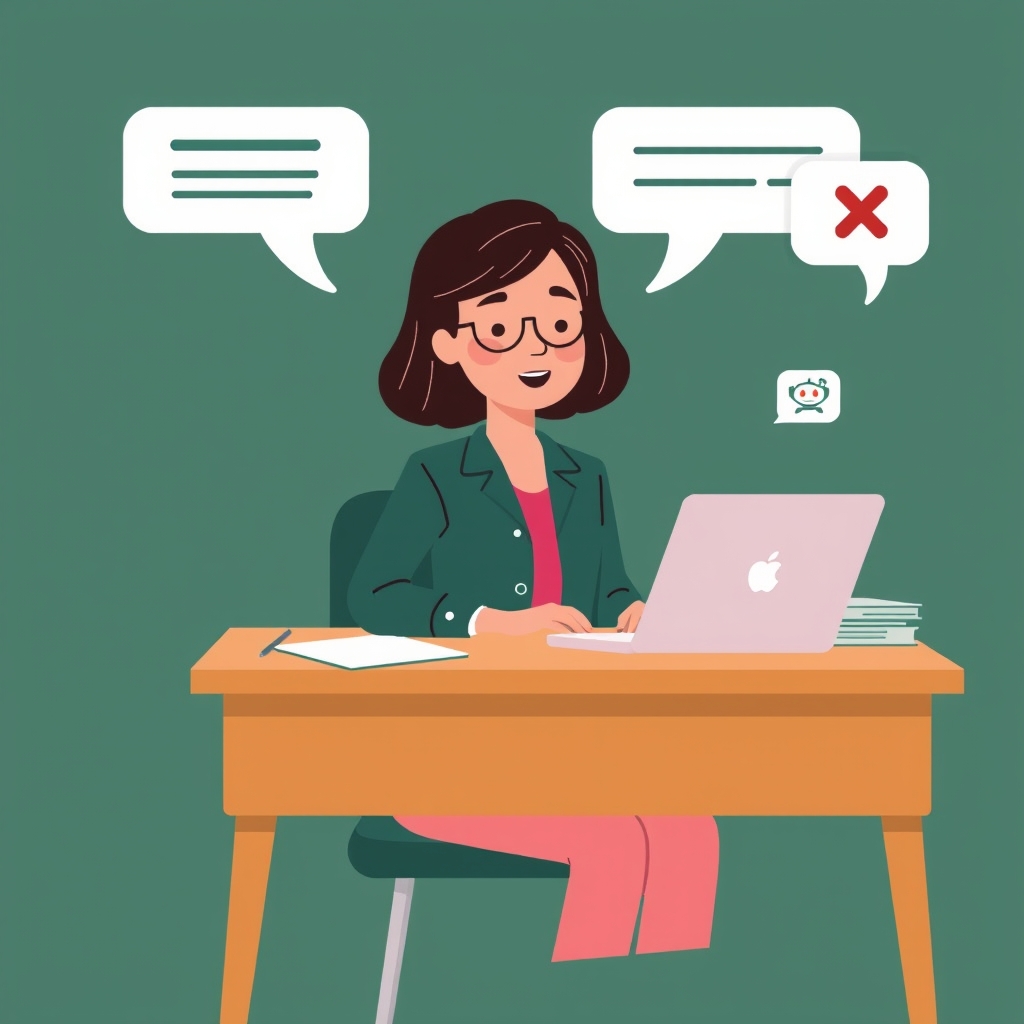
In the rush to stop online cheating and AI copy-pasting, educational technology companies took a troubling path: they began installing invasive webcam proctoring, demanding 360-degree room scans, and requiring kernel-level background software that monitored every private process on student laptops.
These tools created an atmosphere of deep anxiety and distrust in schools. Honest students were flagged for looking away from the camera, having a family member walk into the room, or having an eye tic. Worse, AI 'cheating probability' algorithms disproportionately targeted non-native English speakers with devastating false accusations.
Teachers do not want to be police officers operating surveillance software. They simply want a fair, honest way to know whether a student did their own work during a digital assessment.
Our Core Principle: Evidence, Not Accusations
Quesly was built on a straightforward foundational principle: 'Evidence, Not Algorithmic Conviction.' We believe that software should never pass automated judgment, calculate arbitrary 'cheat percentages', or lock students out of an exam in the middle of a test.
Instead, Quesly includes a lightweight, privacy-first Exam Evidence timeline. It runs completely inside the student's normal browser tab with zero software downloads, zero webcam access, and zero tracking of outside websites.
The system simply records objective, factual lifecycle events that happen directly inside the exam session: when the paper was opened, when an answer was edited, when the student tab lost focus, and when text was pasted.
- Zero surveillance hardware: No webcams, no microphone spying, and no room scans ever required.
- No software downloads: Runs directly in Google Chrome, Safari, Firefox, or Edge on any school computer.
- Zero external browsing tracking: Cannot and does not see external browser tabs, bookmarks, or browsing history.
- 100% FERPA and COPPA compliant: Built strictly to protect student dignity and data privacy.
The Chronological Timeline: Objective Facts for Teachers
When a student completes an assessment, their activity is organized into an intuitive, chronological Exam Timeline accessible inside the teacher's grading drawer.
Events are tagged with relative session timestamps (such as '+00:00 Paper opened', '+02:15 Edited Q1', '+04:30 Window lost focus'). If a student left the exam tab, the timeline clearly records how many seconds they were away and when they returned.
If text was pasted, the timeline notes the character volume. A student who leaves the test tab for 45 seconds and returns to paste a 400-word paragraph in a single second leaves a clear, objective factual record for the teacher to review.
- Relative time clock: Shows the exact pace of student progress from start to finish.
- Focus and blur logging: Records when the student switched away from the exam tab and for how long.
- Paste character counts: Flags sudden massive text insertions versus normal keystroke typing.
- Periodic heartbeat checkins: Verifies network connectivity every 25 seconds to protect students from Wi-Fi drops.
Notable Moments: Fast Review Without Information Overload
Teachers marking 120 papers do not have time to read through 50 routine event lines per student. To keep grading swift, Quesly's timeline includes an intelligent filter tab called 'Notable Moments'.
The Notable Moments filter highlights only meaningful anomalies: excessive tab switches (more than three times), long window blurs (away for more than 30 seconds), or large external text paste blocks.
If a student had an entirely normal exam session with zero flags, the teacher sees a green checkmark and can focus immediately on reading the answer. If a student has an anomaly, the teacher can review the exact context and decide whether it warrants a follow-up conversation.
- Notable Moments filter: Instantly isolates anomalous events so teachers don't have to scroll through normal logs.
- Contextual transparency: Teachers can view the exact text that was pasted to verify whether it was notes or plagiarism.
- Protects honest mistakes: A student who accidentally clicked an external link for 2 seconds is easily recognized and excused.
- Educator veto power: The software presents objective facts; the teacher alone decides the grade.
Why Factual Transparency Builds Student Trust
When students know that testing software does not spy on their homes or guess their motives with black-box AI scores, test anxiety drops dramatically. Students know that as long as they stay inside the test window and type their own thoughts, their effort is completely safe.
Teachers testing Quesly's timeline in real classrooms appreciate having verifiable facts when speaking with parents or administrators. Instead of arguing about an unproven 'AI score', teachers can point to a clear timeline of events that everyone can understand.
By replacing creepy surveillance with transparent, lightweight evidence, Quesly restores trust between students and educators in digital classrooms.
- Lowers test anxiety: Students are not penalized for eye movements or ambient room noise.
- Indisputable parent conversations: Objective event timestamps provide clear, verifiable facts.
- Reinforces honest effort: Honest students are protected against false automated accusations.
- Always educator-in-the-loop: Keeps the human relationship at the center of classroom assessment.