The Real Problem: Assignment Drift
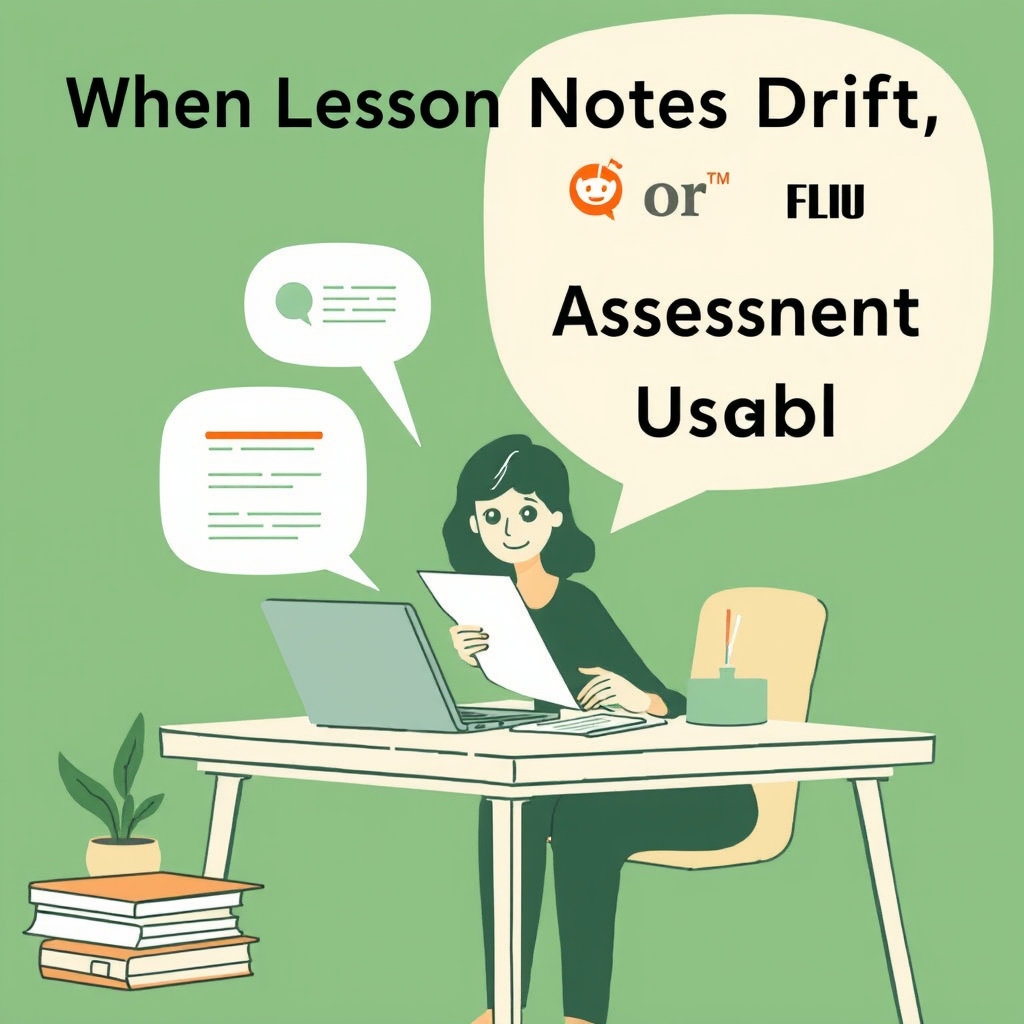
Many teachers find that after a lesson ends, the homework or test they create often drifts away from the core material. The original notes get forgotten, and students receive tasks that feel disconnected, leading to confusion and reduced reinforcement of key concepts. This drift consumes planning time and can lower the effectiveness of practice activities.
The drift happens because teachers typically start from a blank page, trying to recall the lesson’s main points while also crafting questions. Without a concrete reference, important details are omitted or altered, and the resulting assignment may emphasize peripheral topics. The mismatch between lesson focus and assessment can undermine learning continuity.
How Quesly Supports Alignment
Quesly lets teachers upload the exact lesson text—whether a readable TXT file, a text‑based PDF, or pasted notes. The system extracts the text and generates question drafts directly from that source, ensuring every item originates from the material the class just covered. Teachers then review the extracted text, the generated questions, and the suggested answer keys before finalising the assignment.
Because Quesly blocks empty‑source generation, teachers cannot proceed without providing the lesson content, which keeps the assignment grounded in the intended material. The teacher’s role remains central: they verify that the questions truly reflect the lesson’s objectives and adjust wording or focus as needed, preserving pedagogical intent while benefitting from automated drafting.
Illustrative Classroom Example (Synthetic)
In a Year 8 science class, the teacher uploaded a 2‑page TXT summary of the recent lesson on photosynthesis. Quesly produced five multiple‑choice questions and two short‑answer prompts based on the uploaded text. The teacher examined each question, confirming that they referenced the specific stages of the light‑dependent reactions discussed in class.
After confirming relevance, the teacher added a brief instruction reminding students to reference their notes when answering. The assignment was then issued with student IDs and private access codes. When students submitted their work, the system locked the responses, and the teacher later used Jev’s suggested marks for the short answers, entering final scores before releasing results.
What Still Requires Teacher Judgment
Even with automated drafting, teachers must decide whether the generated questions match the depth and difficulty appropriate for their class. They may need to edit question phrasing, add context, or remove items that, while text‑based, do not serve the learning goal. The answer keys and marking criteria are suggestions that still need teacher confirmation before grading.
Additionally, teachers must determine how to handle partial credit for written answers. Jev offers suggested marks and reasoning after submission, but the final decision on awarding partial points rests with the teacher, who can consider nuance, creativity, or alternative correct approaches that the AI may not anticipate.
Practical Takeaway for Teachers
To keep assignments tightly linked to lesson content, start each new task by uploading the exact notes or summary you used in class. Let Quesly generate the initial question set, then spend a focused review session confirming alignment and adjusting any items that stray from your objectives. This approach reduces the time spent recreating material from memory.
Finally, use the generated questions as a scaffold, not a final product. Your expertise determines the final wording, difficulty, and scoring. By combining the source‑driven draft with your professional judgment, you maintain instructional coherence while benefiting from Quesly’s ability to turn lesson text into ready‑to‑use assessment items.